
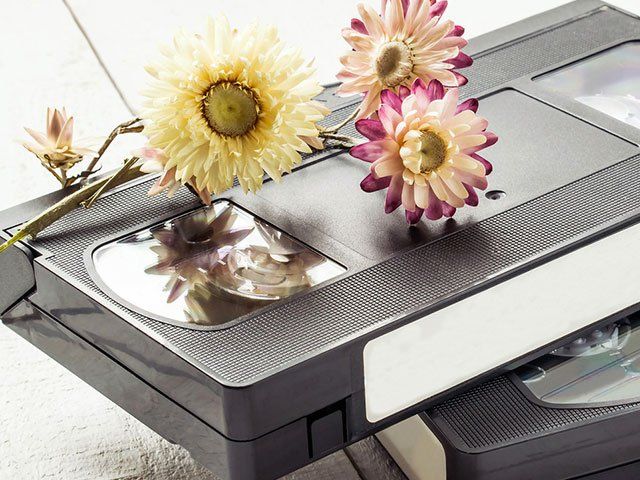
Do you have old cassettes and video tapes lying around?
Don’t have anything to play them on anymore? Why not convert them to digital? Roylaines specialist technicians can convert audio and video cassettes, DVD's and CD's, ensuring that your special memories aren’t stuck in the past.
Compared to digital technology, video and audio tapes are highly sensitive to mold, tears and stretching which reduces the quality and lifespan of the tapes. While our technicians can repair minor tears, tapes can become damaged beyond repair. Having your tapes converted to digital is a small price to pay compared to losing precious memories.
Video Tape to USB(mpeg4) Conversion
$60 per for the first hour
$40 for each additional hour (or part there of)
Basis of charges for your USB order:
- One video of 180 minutes ( 3 Hours) = $140
- Two videos each of 60 minutes (total 2 Hours) = $100
- Two videos each of 90 minutes ( total 3 Hours) = $140
Audio Tape to CD Conversion
$60 each
Movie Film to DVD Conversion
3" = 50 ft, 4" = 100 ft, 5" =200 ft, 6" = 300 ft, 7" = 400 ft
Setup fee $100 plus 30 cents per foot
8mm, 16mm, Super 8 film
HELPFUL HINTS ON YOUR MEMORIES
Why Convert Your Family Movies to MP4 Instead of DVD?
For many years, DVD was the standard way to preserve and watch family movies. Today, however, MP4 digital video files are a much more practical and future-friendly choice.
An MP4 file can be stored on a USB drive, computer, external hard drive or cloud storage and can be played on most modern televisions, computers, tablets and smartphones. Unlike DVDs, you don't need a DVD player or disc drive — something that is becoming increasingly uncommon on newer televisions and computers.
Easier to Watch and Share
MP4 files make your family memories much easier to enjoy. You can copy them to different devices, send them to family members, upload them to private cloud storage or play them directly through many modern Smart TVs and media players.
Instead of having to find a particular DVD and put it into a player, your family movies can be organised into folders and accessed quickly whenever you want them.
Better for Keeping Your Memories Safe
DVDs can become scratched, damaged or deteriorate with age. DVD players are also gradually disappearing from homes as technology changes.
With MP4 files, you can easily create multiple backup copies. For example, you might keep one copy on a USB drive, another on an external hard drive and another in cloud storage. If one copy is ever lost or damaged, your family memories are still protected.
No Unnecessary DVD Quality Limitations
Traditional DVDs were designed around standard-definition television and generally store video at a relatively low resolution. Converting your original tapes directly to a good-quality MP4 file avoids the need to squeeze the video into the DVD format.
While converting old VHS, VHS-C, Video8, Hi8 or other home movies cannot magically create detail that wasn't present in the original recording, a properly created MP4 can preserve the available picture quality extremely well.
Ready for Today's Technology
An MP4 file can also be edited later, allowing family members to create shorter movies, anniversary presentations, memorial videos or collections of special moments without having to convert a DVD back into a digital file first.
Most importantly, MP4 is one of the most widely supported video formats in use today, making it a much more convenient format for modern viewing and sharing.
Our Recommendation
For today's families, we recommend having old movies transferred to high-quality MP4 digital files rather than DVD.
DVDs can still be supplied for people who specifically prefer them, but for long-term convenience, easy sharing, simple backup and compatibility with modern devices, MP4 is now the better choice for preserving your family's precious memories.
Your old tapes may only exist in one place. Once converted to digital files, those memories can be copied, protected, shared and enjoyed by generations to come.
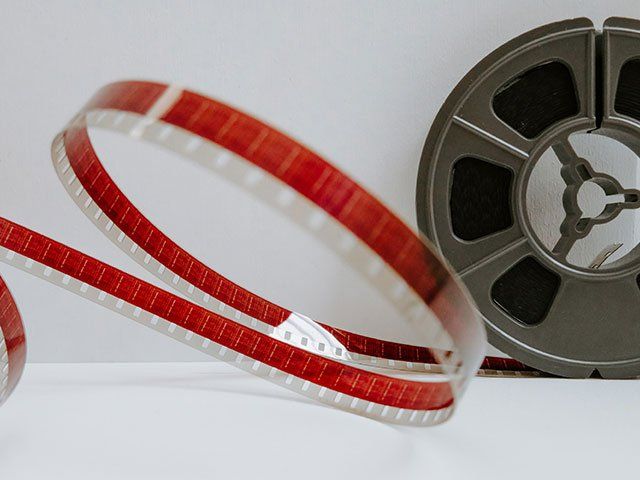
In Australia we are using PAL system that is different then the American system NTSC. We can play all type of DVDs in our DVD players. In America they can play only NTSC DVD’s. We are able to assist you with converting one format to the other.
Music CDs (audio), the music CD can contain a maximum of 80mins
Data music CD, this option is been used when more music time needs to be put on the same CD.
Data DVD, this option is perfect to store all type of formats total size 4.7GB.
Transferring old memories to more reliable DVD
Memory2DVD is using the best DVD available in the market. We are using Taiyo Yuden OEM DVD-R which has Excellent quality Made in Japan, Taiyo Yuden DVDs are generally regarded as the world's best burnable discs and are commonly used by high end DVD duplication companies around the globe.
Quick reference guide to common media formats
Listed below are a few of the more common media formats. There are variations in many of these but the size, case type and format logo can usually be identified. If in doubt, please call. PAL, SECAM or NTSC formatted tapes can be copied and converted to DVD.